
A place and a season
Ground the scene in a region, season and elevation. Decide how the weather belongs to the landscape.
Conditions, journeys and choices
Clouds gather beyond the pass. Rain reaches the valley. The party weighs the road against shelter. Prepare weather that gives the next scene something to respond to.

Weather with a place in the story
Give the party more than a backdrop: describe the signs, pressures and choices around them.
Ground the scene in a region, season and elevation. Decide how the weather belongs to the landscape.
Describe what travellers can see and feel. Visibility, wind and precipitation give the scene a practical character.
Use travel, terrain, equipment and shelter concerns to support decisions about routes, pace and rest.
Show a warning sign or likely change. Let the players decide how to respond.

Read the landscape
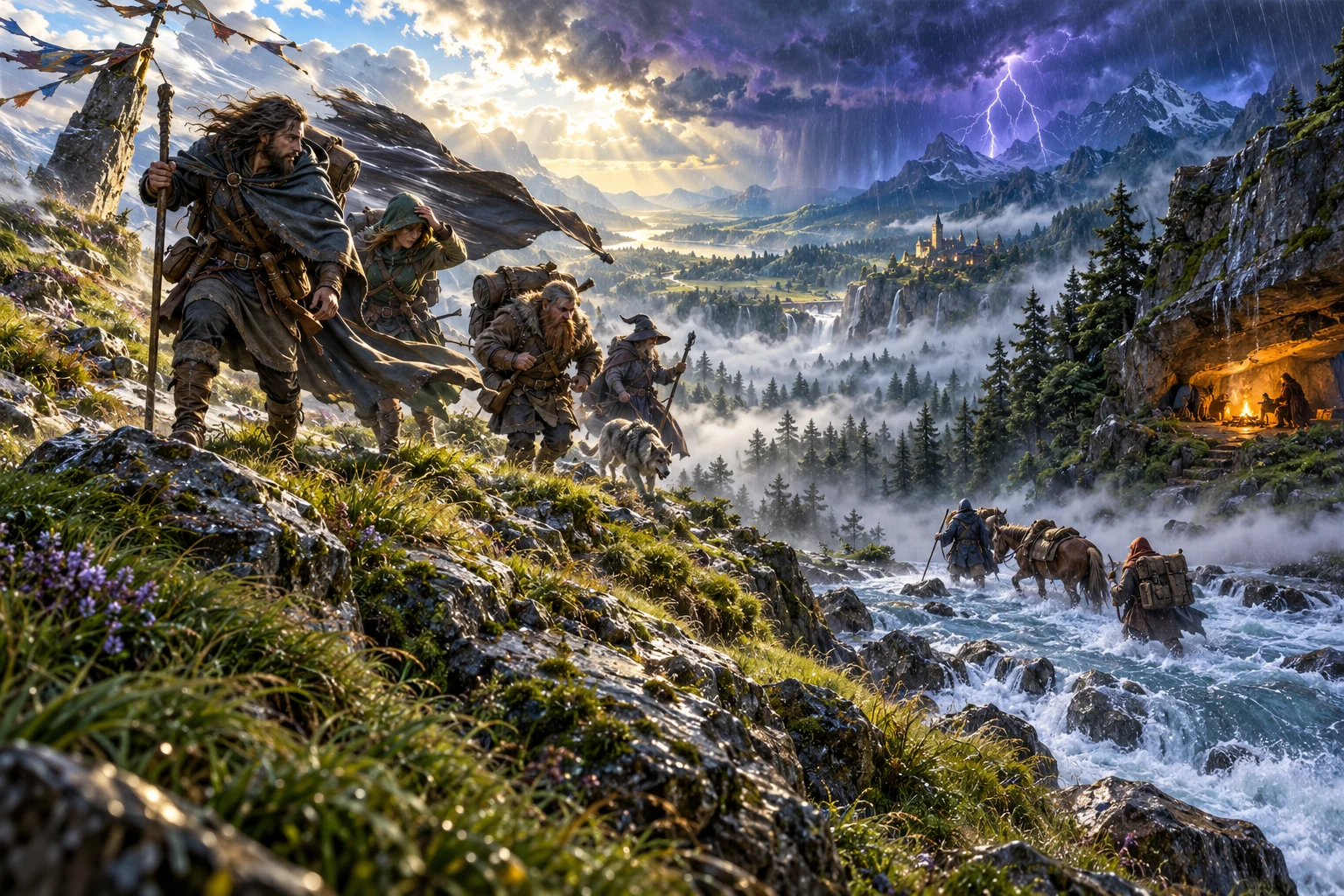
The illustration shows travellers studying changing conditions across a valley. It represents weather preparation, not an application screen.
Start with the region and season. Bring visible conditions, practical effects and the next change into the scene.
Reveal the clearest signs and let the party choose its route, pace or shelter.
From local context to a playable scene
Build a useful weather reference, then apply it with judgement at the table.
Choose the region, season and current scene. Consider the elevation and the route ahead.
Generate conditions and review temperature, wind, precipitation and visibility together.
Read the implications for terrain, travel, equipment, shelter and camp. Use what fits your scene.
Save preparation for the journey, copy a table description or download the structured record.
Your weather preparation toolkit
Keep the place, current weather and likely change together in a focused record.
Start with the region, season, elevation and current scene so the conditions belong to the place.
Bring temperature, wind, precipitation and visibility into a usable weather record.
Consider the terrain and travel pace, then decide what the conditions mean for the route.
Include equipment, shelter and camp concerns when the group decides where to rest.
Describe visible signs of an approaching change so travellers have information they can act on.
Use a change in the weather to shape the next scene or stage of the journey.
Save weather records, reopen them for return visits and organise useful preparation through your account.
Copy the table description or download a structured record for travel notes and session preparation.
A scene, journey or location
Use the same focused tool for different points in the adventure.
Set the immediate conditions and describe what the characters can observe.
Consider visibility, terrain and travel pace as the group moves between places.
Prepare shelter, equipment and rest concerns before the party settles for the night.
Reopen a saved record and develop the next change for a familiar location.
Keep the journey moving
Weather is preparation you can revise as the scene develops.
Use the Quick workflow to establish the place, immediate weather and clearest warning sign.
Develop temperature, wind, precipitation, visibility, duration and practical concerns for the scene.
Describe timing and direction of a change, then give the group room to respond.
Rename, search, tag, extend, duplicate, archive or delete account records as the journey develops.
A useful weather record
Read region, season and time alongside temperature, wind, precipitation and visibility.
Terrain, travel, shelter and camp concerns help you prepare the scene. Warning signs suggest what might change next.
Copy the immediate table description or download a structured record for travel notes and session preparation.
Judgement stays at the table
The weather record gives you preparation; the Dungeon Master decides what happens in play.
This is tabletop preparation, not a real weather forecast or climate simulation.
Read the travel, terrain, equipment and camp effects. Decide sensible consequences rather than applying automatic damage.
Reveal useful warning signs. The tool does not decide how the party responds.
Use relevant weather notes in Combat PRO preparation yourself. Weather System does not begin combat or update campaign and character records.
Choose your generator access
The current USD catalogue lists Weather System as available. Review the current account offer when choosing access.
Choose Weather System as your selected standalone generator for US$1.99 per month.
Select this generator within an eligible pack. Pack capacity and current pricing are shown in your account.
Combat PRO, Battlemaps and image-credit products have their own access arrangements. They are not included automatically.
Create a free account, choose the required generator access and use Desktop Command Centre on Windows.
VISINVOKE means value
A focused tool for scenes, travel and return visits.

Use local context to give the weather a role in the scene.
Describe signs and effects that support player choices.
Save useful records and return to them across journeys.
Decide practical consequences and how the adventure develops.
Build your tabletop toolkit
Each card opens its own product website. Review purpose and access separately; related products do not promise included access or automatic synchronisation.

Open VISINVOKE products from your Windows desktop.

Prepare the journey around the changing conditions.

Develop the wider setting for your scenes.
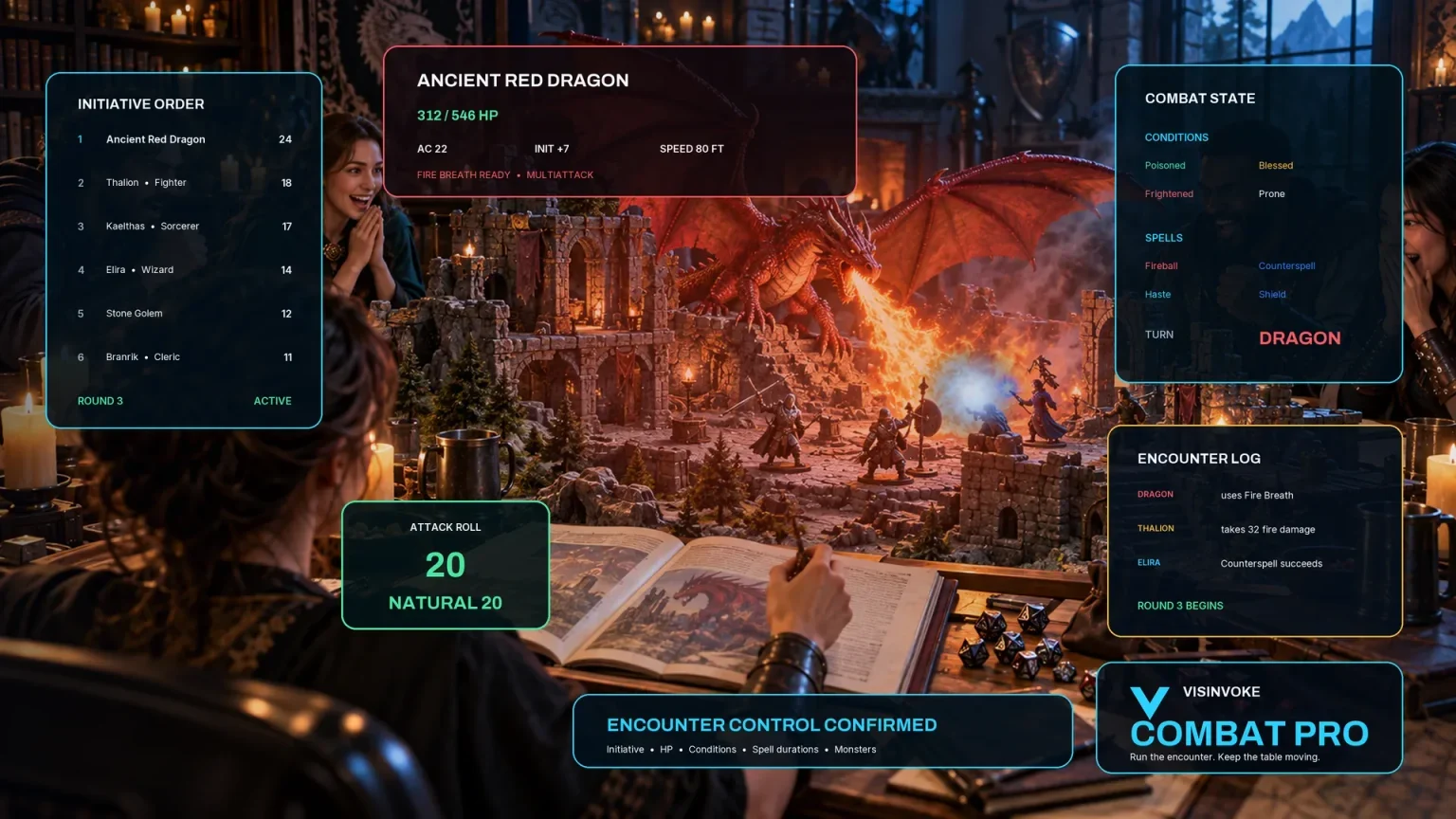
Prepare and review tabletop encounters separately.

Explore a separate collection of adventure environments.

Explore separate fantasy image creation.
Product artwork illustrates fantasy weather preparation, not application screens or actual generated image output.
Quick answers
Understand access, conditions, saved records and practical boundaries.
No. Weather System is a tabletop preparation tool for fictional scenes, journeys and locations. It does not provide a real weather forecast or replace a world climate model.
The current USD catalogue lists US$1.99 per month for one selected standalone generator. Weather System can also be selected through eligible generator packs. A VISINVOKE account and the required generator access are needed; other products have separate access arrangements.
Begin with the region, season and scene. Detailed preparation can include temperature, wind, precipitation, visibility, duration, terrain, travel pace, equipment, shelter, camp safety and warning signs of the next change.
No. Use the conditions and practical effects as preparation, then decide sensible consequences at the table. Weather System does not make every storm dangerous or decide how the party responds.
Save records to your signed-in VISINVOKE account. Reopen, rename, search, tag, extend, duplicate, archive or delete useful records across journeys and return visits.
Weather, terrain and visibility details can inform encounter preparation in Combat PRO. Weather System does not begin combat or change campaign and character records on its own. Review and apply the relevant details yourself; Combat PRO access is separate.
Continue in VISINVOKE
Create a free VISINVOKE account and choose the required generator access.
Get Desktop Command Centre from your account installer page. Sign in on Windows, then open Weather System.